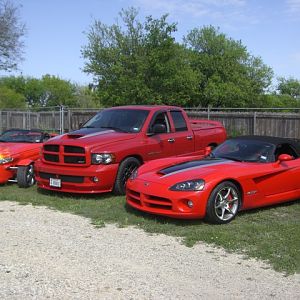
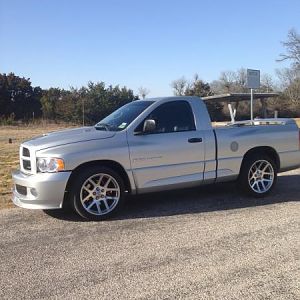
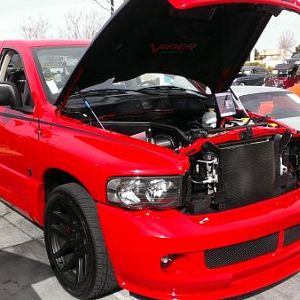
Pics

Ylw-Fvr

Full Access Member
Joined
May 19, 2006
Messages
296
Reaction score
0
I think I have set something up wrong. ( Imagine That ) I do not show any avatars or any pics that are not attached. I use Mozilla as my browser. Can someone please straighten me out .
Thanks,
Mark
 
I cannot see the pics of the guys on the front page at the get together, As a matter of fact those recent threads from the main page are the only ones I cannot see avatars on. It will have the members name across the top and the subject matter underneath. No avatrs or attached pics. it will say thumnails attached but there are no pics there.
 
In Mozilla (a kick-ass browser, may I add), go to the EDIT menu , then select PREFERENCES (at bottom of menu).

In the PREFERENCES pop-up window, click on the PRIVACY list entry (left side), then select the IMAGES sub-entry. Looking at the Image options (right side), make sure the Image Acceptance Policy (top box) is set to ACCEPT ALL IMAGES. So long as you are in there, make sure the bottom ANIMATED IMAGES LOOP section is set to AS MANY TIMES AS IMAGE SPECIFIES.

If this doesn't fix it, make sure you are browsing in this forum, then go to the TOOLS menu item, then select IMAGE MANAGER menu item, then select ALLOW IMAGES FROM THIS SITE.

One of these things should solve the problem. If not, you may be running some other software (firewall, pop-up blocker or ad-blocker) which may be inadvertantly blocking the images.

 
Last edited:
Mozilla is the way to go...plus you can block script.
 
Thanks for the help guys. Like Den said it is in the setup I just got to see what I have wrong. And Yes Mozilla does Rock No friggin popups.
 
Mozilla.org for free browser
It is so much better than Internet Explorer.
 

Latest posts

Support Us

Become A Supporting Member Today!

Click Here For Details

Back
Top