Ok so i had a little extra time and thought I'd add to the how-to:
First of all, you will need at least three pictures of differing exposures to get all the detail from the picture. I usually use jpegs that are about 2000x 1333 and if they are larger I shrink them to that size before proceeding--I personally dont need them any larger than that and the hdr's dont come out right if the pictures are too small. Here are the four that I used.
Next, assuming you have the photomatix program the starting point that I usually have the settings at are as follows:
strength=100
color saturation=40
light smoothing=very high
luminosity=+10
white point=+2.846
black point=+4.012
gamma=1.10
temperature=+5
microcontrast=+10
microsmoothing=0
highlight smoothing=default
shadow smoothing=default
shadow clipping=default
saturation highlights=default
saturation shadows=default.
and dont tick 360 degree view.
start with this and try changing each one indiviually to see how they affect the picture (note that the final product may be a little different than the preview image).
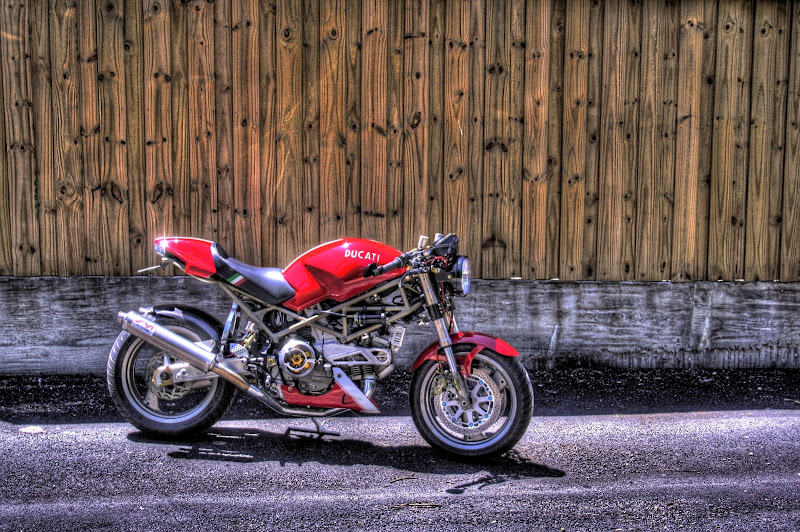
next put them in with the above settings and create the HDR. Once I have the hdr picture, I like to stick the picture in photoshop and tweak the hue/saturation slightly to bring out the colors I want and finally, the brightness and contrast to really make the picture pop out. Hope this does a little more in helping those who had trouble with this.. Here's my final product:
again, I'm no pro at this so if anyone has any other advice or corrections, please chime in!